
There is a particular kind of guilt that Indian couples planning weddings from abroad feel when they switch to digital wedding invitations. The logistics make complete sense. Guests in five countries, events across multiple days, RSVP tracking that needs to be accurate, and invitation details that will probably change twice before the wedding. Digital is clearly the right call. But then someone brings up Nani in Jaipur, or Dada in Ahmedabad, who has a smartphone but uses it primarily to receive forwarded good morning messages and the occasional video call from the grandkids. And suddenly the whole digital plan feels like it might be excluding the exact people whose presence at this wedding matters most.
This is a real concern and it deserves a real answer. The good news is that getting elders comfortable with digital wedding invitations is much more manageable than most couples assume, and it does not require anyone to become technically proficient. It requires the right approach, the right platform, and one trusted person in the family who is willing to spend twenty minutes with them.
Why Elders Resist Technology and Why That Is Completely Reasonable
Before thinking about solutions, it helps to understand the resistance. Most elders who are uncomfortable with technology are not resisting it because they are incapable of learning. They are resisting it because every previous technology experience they have had has required them to figure something out under pressure, ask for help from someone who was impatient, or worry about doing something wrong and breaking something expensive.
A 2025 study found that 77% of older adults needed assistance when learning to use new technology, and the quality of that assistance made the difference between them adopting it confidently or avoiding it entirely. The barrier is almost never cognitive. It is emotional. Elders do not want to feel incompetent in front of their family, and technology that is poorly designed or poorly introduced gives them every reason to feel exactly that.
For Indian families living abroad, this dynamic has an extra layer. Your grandparents in India may be receiving a digital invitation from a grandchild they see once a year if they are lucky. That invitation is not just a logistical document. It is a piece of their grandchild's wedding, and the moment of opening it should feel special rather than frustrating. If they cannot figure out how to open the link or navigate the page, that moment of frustration replaces what should have been a moment of joy. That is the actual problem couples need to solve, not the technology itself but the emotional experience around it.
Start With the Platform, Not the Person
The single most important thing couples can do to make digital invitations accessible to elders is choose a platform that does not require elders to do anything complicated in the first place. This is where most couples go wrong. They choose a beautiful digital invitation platform and then try to teach their grandparents how to use it, when the better sequence is to choose a platform that their grandparents barely need to learn.
A good digital invitation for an elder should open with one tap on a link, display all the information cleanly on a phone screen without requiring zooming or scrolling, and ask for nothing more than a simple RSVP response if one is needed. No account creation. No password. No downloading an app. No navigating through multiple pages to find the event details. Just a link that opens to exactly what the guest needs to see.
Indivites is built with this kind of accessibility in mind. The invitation experience on Indivites is mobile-first, meaning it is designed from the ground up for a smartphone screen rather than adapted from a desktop layout. Guests open a link, see their personalized invitation with only the events relevant to them, and can RSVP in under two minutes without any technical knowledge required. For an elder in India opening a link on a basic Android phone, that experience is genuinely manageable in a way that a complex multi-page website or a PDF that needs downloading simply is not.
Assign One Person as the Family Tech Bridge

Even with the most accessible platform in the world, some elders will still need a human hand to hold through the process, and that is perfectly fine. The mistake couples make is assuming that person has to be them. It does not. The couple is already managing a hundred things. What they need is to identify one trusted family member in the elder's city or household who can be the tech bridge for that person.
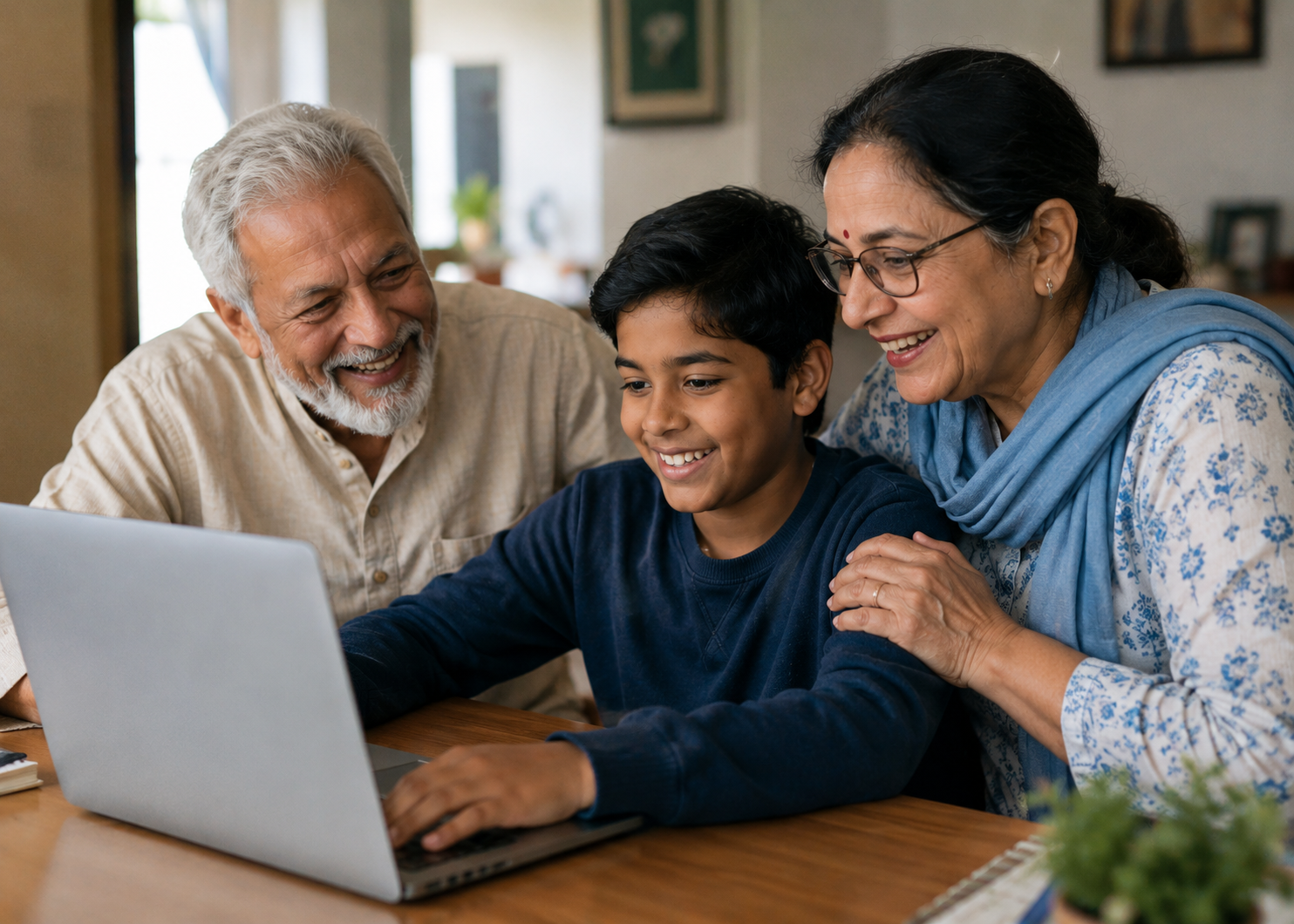
This is usually a younger cousin, a local relative, or a family friend who already has a comfortable relationship with the elder. Their job is simple. When the invitation goes out, they sit with Nani or Dada for twenty minutes, open the link together, walk through what is on the page, and help them understand how to RSVP if needed. They do not need to teach technology. They just need to be present for that one specific moment.
Research consistently shows that patient one-on-one guidance from someone the elder trusts makes the difference between technology adoption and rejection. The same principle applies here. One person, one sitting, one specific task. That is all it takes for most elders to successfully engage with a digital invitation, and once they have done it once with help, they are significantly more likely to check it again on their own.
Make the Invitation Feel Like a Moment, Not a Form
Part of what makes digital invitations harder to sell to elders is that the word digital suggests something cold and functional. A form. A notification. A task to complete. The framing matters enormously both in how you introduce the invitation to them and in how the platform presents it.
When you send the invitation to an elder, do not just send a bare link. Call them first or have the family tech bridge call them. Tell them that the wedding invitation is on its way and that you wanted them to be one of the first to receive it. Build the anticipation. When the link arrives, that call creates context so they already know what they are opening and why it matters.
On the platform side, the design of the invitation does the emotional work. A beautifully designed digital invitation that reflects the aesthetic of the wedding, with warm colors, traditional motifs, and the couple's names presented elegantly, communicates something very different from a plain white form with text fields. Elders respond to beauty and to ceremony, and a digital invitation that carries those qualities is far easier to introduce than one that looks like a bureaucratic document.
Print It Out for Them If That Is What They Need

This might feel like it defeats the purpose of going digital, but it absolutely does not. For elders who truly cannot engage with a phone screen comfortably, printing the digital invitation and handing them a physical copy is a completely valid solution that preserves the benefits of digital for the rest of the guest list while honoring the needs of a specific few.
The family tech bridge can print a clean version of the invitation page for the elder, note the RSVP deadline on it, and handle the actual RSVP on the elder's behalf through the digital platform. The couple's headcount is still accurate. The RSVP is still tracked. The elder still receives the full details of the wedding in a format they are comfortable with. Everyone wins.
This hybrid approach is more common than most people realize. Many couples using platforms like Indivites use exactly this method for a small number of elderly guests while keeping the entire rest of the process digital. It requires no special setup and no compromise on the rest of the system.
What Actually Matters at the End of This
The goal was never to get your grandparents to become digitally fluent. The goal was to make sure they feel fully included in your wedding from the very first communication you send them. Whether that happens through a phone screen they navigate themselves, with a cousin sitting beside them the first time, or through a printed version that a family member RSVPs on their behalf, the outcome is the same. They received the invitation. They know the details. They feel seen and considered. And they will show up to your wedding having had none of the stress that a confusing digital experience would have caused.
That is what good wedding communication is always supposed to do, make everyone feel like they were thought about, regardless of where they are or how comfortable they are with technology.
Frequently Asked Questions
Do elders need to create an account or download an app to view a digital wedding invitation? On a well-designed platform they should not need to do either. A good digital invitation opens directly in the phone's browser through a simple link with no account creation, no password, and no app download required. This is one of the most important things to check when choosing a platform if you have elderly guests on your list.
What if my grandparent cannot figure out how to open the digital invitation link? Assign one trusted family member in their city to sit with them when the invitation goes out and open it together. It usually takes less than twenty minutes and once they have seen it once with help, they can reference it again on their own. Alternatively, that family member can print the invitation details and RSVP on the elder's behalf through the platform.
Is it rude to send a digital invitation to an elderly relative instead of a physical card? Not at all, especially when the digital invitation is beautifully designed and delivered with a personal phone call beforehand. Many elders are more comfortable with technology than younger family members assume. For those who genuinely prefer physical, the hybrid approach of printing the digital invitation for them handles this gracefully without creating a two-tier system.
How does Indivites make the experience easier for elderly guests specifically? Indivites is built mobile-first, which means the invitation opens cleanly on any smartphone screen without zooming or horizontal scrolling. Guests see only the events they are invited to, which reduces confusion significantly. The RSVP process requires no account creation and takes under two minutes. For elderly guests who need extra support, a family member can complete the RSVP on their behalf using the same link, and the couple's dashboard updates automatically.
Should I call elderly relatives before sending a digital invitation? Yes, and this applies regardless of how tech-comfortable they are. A call beforehand builds anticipation, gives context for what is coming, and makes the arrival of the invitation feel like an occasion rather than a notification. It is one of the simplest things you can do to make the digital experience feel warm and personal for guests of any age.